
Keysight BenchVue Mobile3.3 - Google Play
You'll be able to see results in few seconds.
Publisher Description
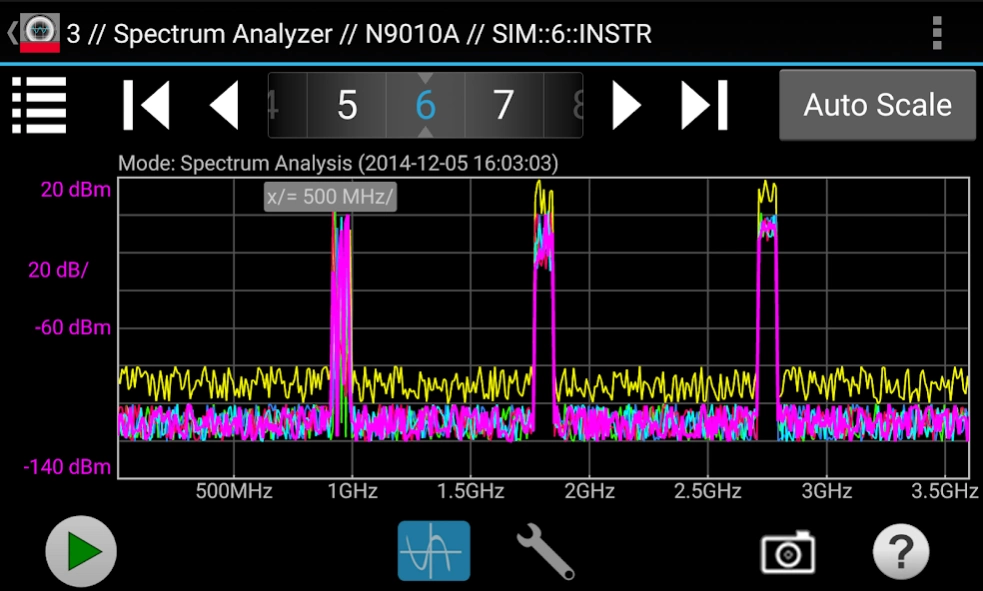
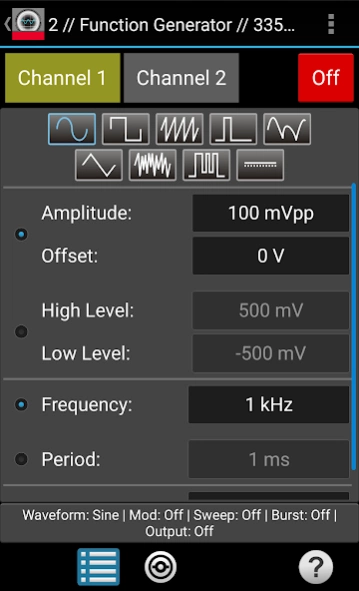
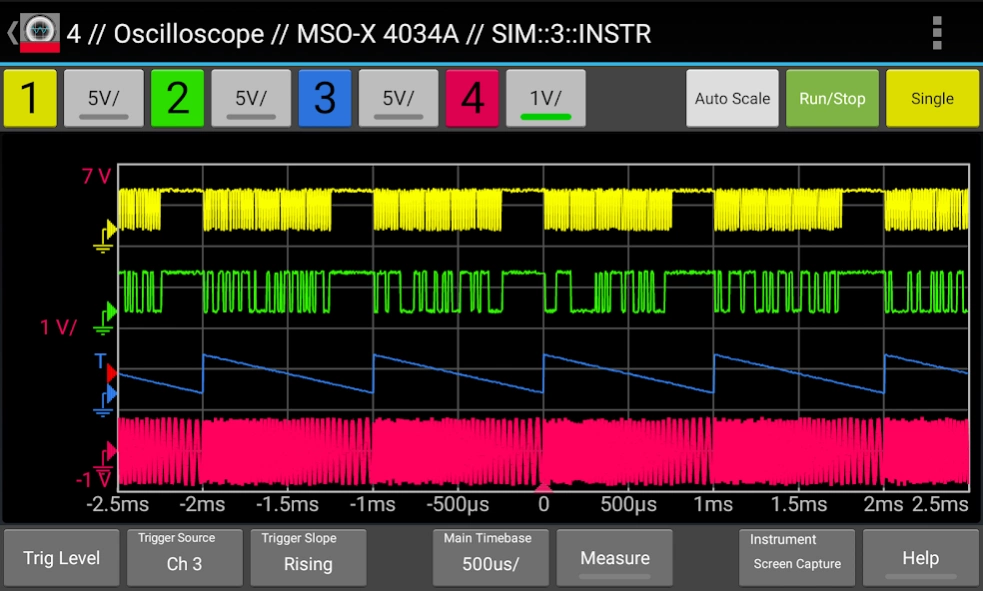
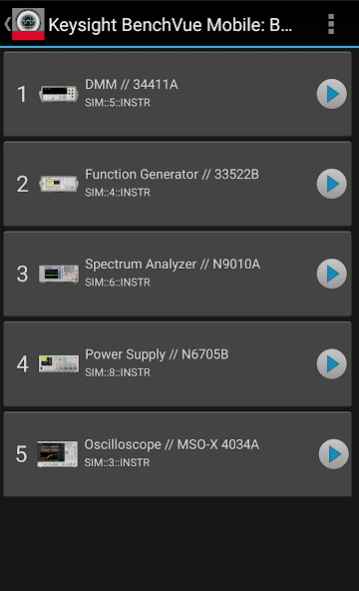
View and control Keysight electronic measurement instruments
This app from Keysight Technologies lets you view and control a broad range of Keysight oscilloscopes, digital multimeters, spectrum analyzers, function generators and power supplies. Perfect for monitoring long running tests or when instrument access is inconvenient, BenchVue Mobile gets you connected to your bench. Measurement visualization, screen and data capture, and instrument control are possible for Keysight instruments from your phone or tablet.
Key Features
Data logging controls
Set instrument parameters
Start and stop measurements
Mobile access to your LAN, GPIB, USB or RS232 connected instruments
Collaborate by having multiple mobile devices connect simultaneously
ATTENTION
BenchVue Mobile is a companion app for Keysight's BenchVue software and requires installation of Keysight BenchVue software on your Windows PC to communicate with your instruments. If you haven't already installed BenchVue, it is available at no cost here:
http://keysight.com/find/BenchVue
Supported Instruments (The instruments listed below are sold by Keysight and in most cases were formerly sold by Agilent)
Digital Multimeters
34401A, 34405A, 34410A, 34411A, 34450A, 34460A, 34461A
Oscilloscopes
InfiniiVision 2000 X-Series, 3000 X-Series,4000 X-Series, 6000 Series, 6000 X-Series, and 7000A/B X-Series.
Infiniium 9000A Series and S Series.
Spectrum Analyzers
N9030A PXA, N9020A MXA, N9010A EXA, N9000A CXA,N9320B, N9322C,E4440A, E4443A, E4444A, E4445A, E4446A, E4447A, E4448A,E4402B, E4404B, E4405B, E4407B, E4403B, E4411B, E4408B
Function Generators
33210A, 33220A, 33250A, 33521A, 33522A, 33509B, 33510B, 33511B, 33512B, 33519B, 33520B, 33521B, 33522B, 3611A, 33612A, 33621A, 33622A
DC Power Supplies
E3631A, E3632A, E3633A, E3634A, E3640A, E3641A, E3642A, E3643A, E3644A, E3645A, E3646A, E3647A, E3648A, E3649A, N6700A/B, N6701A, N6702A, N6705B, N6950A, N6951A, N6952A, N6953A, N6954A, N6970A, N6971A, N6972A, N6973A, N6974A, N6976A, N6977A, N7950A, N7951A, N7952A, N7953A, N7954A, N7970A, N7971A, N7972A, N7973A, N7974A, N7976A, N7977A
How to use this App
1. Install Keysight BenchVue on your Windows PC.
2. Start BenchVue on your PC and connect to your instruments.
3. Enable mobile access in BenchVue.
a) First, enable mobile access in the main settings and set a mobile password.
b) Then, enable mobile access for each instrument that you want to access.
4. Start this app and tap “Connect to BenchVue on PC”
5. Connect to BenchVue by doing one of the following:
a) Enter the IP Address or hostname of your PC and your password then tap "Connect”, or
b) Display the BenchVue QR code on your PC, then tap the Scan button in BenchVue Mobile to scan it, or
c) Use BenchVue to send an email to your mobile device with a link to connect.
6. Tap an instrument to view and control it.
Note if your PC is behind a firewall, you may need to use a VPN to access it when your phone/tablet is outside the firewall.
Requires Android 4.0.3 and up
About Keysight BenchVue Mobile
The company that develops Keysight BenchVue Mobile is Keysight Technologies Inc.. The latest version released by its developer is 3.3.
To install Keysight BenchVue Mobile on your Android device, just click the green Continue To App button above to start the installation process. The app is listed on our website since 2019-09-13 and was downloaded 0 times. We have already checked if the download link is safe, however for your own protection we recommend that you scan the downloaded app with your antivirus. Your antivirus may detect the Keysight BenchVue Mobile as malware as malware if the download link to com.agilent.benchvue is broken.
How to install Keysight BenchVue Mobile on your Android device:
- Click on the Continue To App button on our website. This will redirect you to Google Play.
- Once the Keysight BenchVue Mobile is shown in the Google Play listing of your Android device, you can start its download and installation. Tap on the Install button located below the search bar and to the right of the app icon.
- A pop-up window with the permissions required by Keysight BenchVue Mobile will be shown. Click on Accept to continue the process.
- Keysight BenchVue Mobile will be downloaded onto your device, displaying a progress. Once the download completes, the installation will start and you'll get a notification after the installation is finished.
Program Details
System requirements
Download information
Pricing
Version History
version 3.3
posted on 2019-09-13
1. Added support for latest Android 9.0 (Pie)
version 3.2
posted on 2018-05-25
1. Add support for Microsoft Visual Studio App Center.
2. Removed support for obsolete Xamarin Insights components.
3. Improved performance and bug fixes.
version 3.1
posted on 2018-01-29
1. Crash fix for Android 7 reported by few customers using Samsung mobile devices.
2. Improved stability and performance.
version
posted on 2016-08-05
Bug fixes and support for new devices.
Disclaimer
Official Google Play Link
We do not host Keysight BenchVue Mobile on our servers. We did not scan it for viruses, adware, spyware or other type of malware. This app is hosted by Google and passed their terms and conditions to be listed there. We recommend caution when installing it.
The Google Play link for Keysight BenchVue Mobile is provided to you by apps112.com without any warranties, representations or guarantees of any kind, so access it at your own risk.
If you have questions regarding this particular app contact the publisher directly. For questions about the functionalities of apps112.com contact us.
